On Quicken, UI’s & UE’s.
categories:
- “moolah”
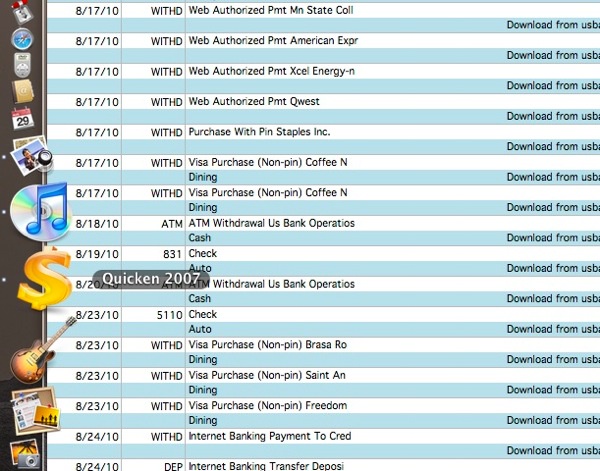
Well, it’s back to good ol’ Quicken for me. I’ve tried the brave new world of online finance, and found it lacking. Quicken offered an online User Experience (UE) called “Quicken Online” (QO) that was removed from service on 29 Aug 2010.
Some time ago, they’d bought someone, or created a fake someone called “Mint.” Mint’s UE was probably viewed in its boardroom as being substantially similar to QO’s, but “younger.” As is due to be learned across Silicon Valley this shallow compliment is a deeper epithet. Mint suffers from (at the time of this writing) serious unreliability problems with bank-connections, a frighteningly unintuitive attempt to meld all assets into one heading, and a rather shocking set of defaults that will get you ringing up overdraft fees like never before.
I recognize that my first complaint may be “death by success” and Mint simply doesn’t have the bandwidth to satisfy all the customers’ demands for updates. But curiously, since all QO customers were notified that 29 Aug was the deadline, Mint should have had some pretty decent estimate of how many people they’d have, and some idea how much bandwidth they’d need. Heck, why couldn’t they take over the bandwidth of the closing QO? No, I think they had back-end API problems, probably related to the 2nd factor authentication. QO had problems with that, but they very cleanly would ask you to answer that 2nd security question when their cached answer failed. Mint never did, it simply failed to update. Over and over, for hours. And delightfully, at some point in every rash of trials, it would suddenly reset it’s elapsed timer, saying that these numbers it was showing you had been updated only seconds ago. Funny, they were the same numbers that—seconds ago—had 50+ hours of age on them. And Mint? This happened often: 20-30% of the time during my experience.
I’ve suffered “close calls” with overdrafts in both Quicken and QO, but they’ve been at my own hands, kinda running a tad close to the edge of payday. But Mint manages to conceal your true state in an effort to give you what I assume they thought was “The Big View.” The result is a single line confusingly representing all your spendable resources without regard for boundaries. (My wallet, Mint, does not charge me $45 if I try to pull $5 out of the 4 remaining singles.) By not recognizing the boundaries of the various value-reserves, their one-look status may’ve given some Mint User Interface (UI) tester a desirable situational awareness, but it made for a perilous UE for me. (And, by extension, rather a few others.)
Finally, couple the silo-blind problem above, with a set of defaults that cannot be changed: every new entry goes into the wallet, not the account you’re looking at. Checkin’ out the savings, puttin’ in some pennies (as the Fed wants us all to do)? Yep, if you don’t manually set the account, it’s tracked in your wallet. See the above paragraph for why you might not notice it if you’re in a hurry. End result? Drill to the wallet, delete the entry, drill to the appropriate silo, re-enter AND check the correct silo to put it in, and move on. Thank god, they made that silo-selection latching. But Oy, people, I can’t select this as an option? You can’t know what account I’m looking at at the time I want to enter? I know, it’ll be “in the next revision.” Fine, I won’t.
Couple this with the email support that has made all Quicken products so very, very helpful (All tickets closed in 24 hours, regardless of outcome) and wow, what a winner. Now, to be fair on support, 2 of my emailed pleas were not answered by the Outsourcing company in India. That was interesting, both ended as “we’ll look into adding that feature soon” and automagically closed.
I can imagine that support for Quicken is hard, because if you follow the usual distribution of cases, ½ of their calls are people legitimately upset that they’re being told they’re broke. (My help desk experience: 50% of calls are stupid people with working product, the other 50% are smart people with broken product. Trick is to assess which fast, as your interpersonal communications—the tone—should be vastly different.)
Anyway, so I’m back to Quicken spinning on my disk. There are problems: no updates on my cellphone, but that’s ok because this feature actually didn’t work on QO, and they eliminated everything but a passive look-see in Mint. So I’ll only get current updates when I’m at the iMac, unless I figure a trick with symbolic links and either Synk or Mobile Me. Hmmmm....